
Private Internet Access review: linux users and selected-server port-forwarding workflows
A practical shortlist candidate for Linux users, large personal-device collections and workflows needing selected-server port forwarding.
Where it makes sense
- You want native Linux support alongside mainstream mobile and desktop apps.
- You need to investigate port forwarding on supported locations.
Limitations to weigh
- You require port forwarding on every possible server.
- You want to avoid inspecting platform-specific settings and feature availability.
Evidence and review scope
We checked the current PIA feature, Linux setup and connection-control documentation on 5 November 2026. The analysis emphasizes published connection limits, platform support and the qualified availability of port forwarding. It does not assess an independent audit or reproduce a third-party benchmark. A buyer should evaluate the exact configuration before treating a listed capability as a completed workflow.
Why PIA belongs on a technical shortlist
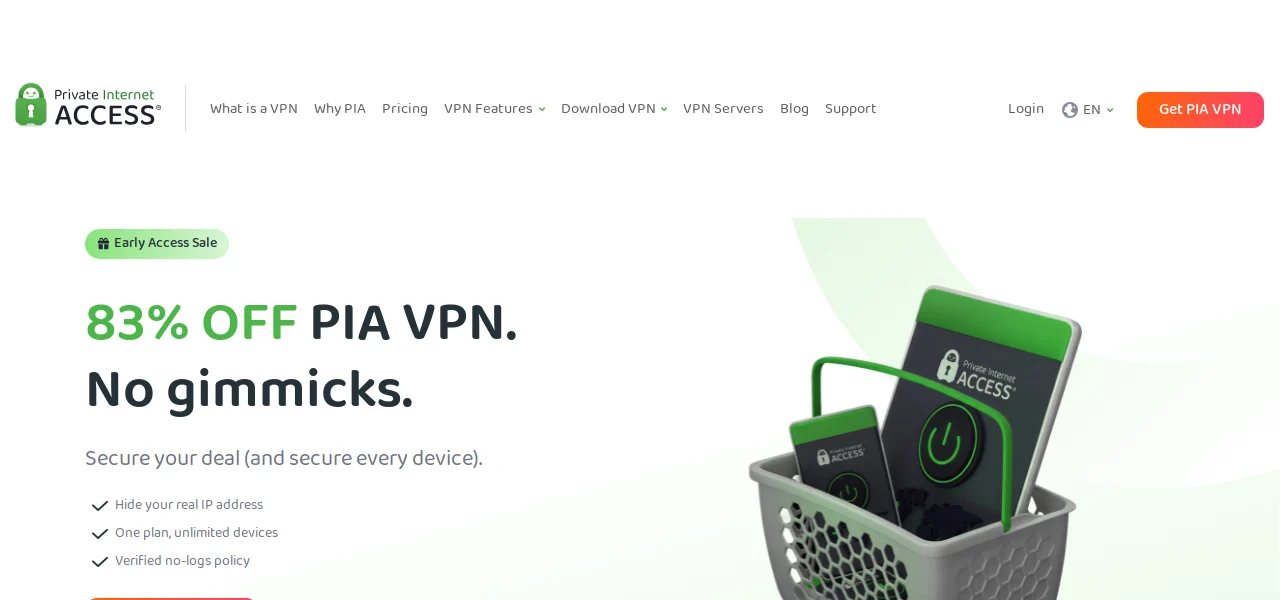
Private Internet Access is most interesting when your requirements are more specific than opening a VPN and pressing Connect. Its official feature page combines Linux applications, split tunneling and selected-server port forwarding. Those are concrete capabilities to investigate for a particular workflow, rather than reasons to declare it universally better than a simpler service.
This is a documentation-based assessment. We have not connected to PIA, measured a transfer or inspected traffic from its applications. The buying question is whether the published controls match a task you actually need to perform, followed by a practical check of that setup.
Port forwarding is the decisive distinction
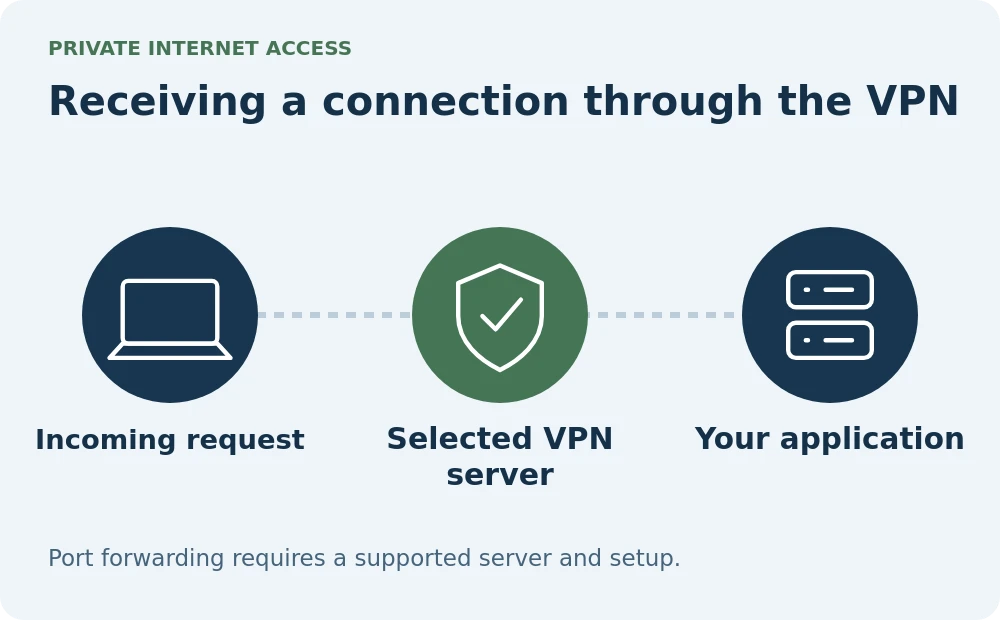
PIA says port forwarding is available on selected servers. That can make it worth investigating where receiving a connection through the VPN is part of the requirement. The qualification matters: choosing an arbitrary location and expecting the same behavior is not supported by the provider's description.
Before paying for a long term, identify the relevant location, app and setup instructions. Write down how the workflow would behave if that location became unavailable. If your use case depends on an inbound connection, establish the requirement explicitly instead of assuming an ordinary shared VPN address will provide it.
Unlimited devices still need a sensible setup
The provider advertises unlimited personal-device connections. That removes a numerical constraint when several household members use phones and computers at the same time. It does not remove the practical work of installing, updating and explaining the applications.
Start with the devices that matter most, then add the others once the configuration is understood. Keep a list of any unusual bypass or connection rules. A large number of installations with inconsistent settings can create more support work than a smaller, deliberate setup, particularly when family members expect their connections to behave alike.
Make configuration choices deliberately
The current feature page lists WireGuard, OpenVPN and an advanced kill switch. Split tunneling provides another way to decide what uses the tunnel. These controls are reasons to inspect the app, not evidence that the correct configuration will choose itself.
For a personal evaluation, document the intended behavior before changing settings: which application should use the VPN, what should happen when it disconnects and which network activities must continue. Then compare those expectations with the app's actual behavior. We have not carried out that exercise here and do not label the published features as passed security tests.
What should decide the purchase
A Linux user should review the current installation instructions for their distribution and a port-forwarding user should prioritize the server restrictions. Someone with neither requirement may find that a simpler comparison of coverage, support and total subscription cost is enough. Features that do not solve your problem should carry little weight.
Read the initial charge and renewal conditions before committing. Our verdict is a focused shortlist recommendation for PIA's documented configuration options and personal-device allowance. We do not infer superior privacy from the number of controls, and we do not use the provider's no-logs statement as a replacement for examining the scope of any independent evidence.
Pricing and value
Check the current checkout for the total initial payment, renewal charge, term length and purchase-channel refund conditions. Promotional headline rates are not used in this review.
Who should buy it
Linux users and selected-server port-forwarding workflows
Who should skip it
You require port forwarding on every possible server. You want to avoid inspecting platform-specific settings and feature availability.
Before you subscribe
Does PIA have a device limit?
PIA advertises unlimited simultaneous connections for supported personal devices.
Does every server support port forwarding?
No. The official feature page says port forwarding is available on selected servers.
Which VPN protocols are listed?
The current feature page lists WireGuard and OpenVPN.
Keep exploring




About this research
Jimmy TragerOriginal contributor
Credited on original VPN Software content. Updated versions carry a separate revision credit.
VPN SoftwareResearch-based assessments
AI-assisted research from linked sources. No hands-on testing is implied.
Reference desk 4
- privateinternetaccess.com/vpn-features for Current provider documentation for features, compatibility or plan limitations checked November 5, 2026
- privateinternetaccess.com/download/linux-vpn for Linux app compatibility and setup checked November 5, 2026
- privateinternetaccess.com/vpn-features/split-tunneling for Selective routing and supported platforms checked November 5, 2026
- privateinternetaccess.com/blog/understanding-a-vpn-kill-switch for Connection interruption controls checked November 5, 2026